
Getting started guide
How to test with TimetoTest
Set up your project, run browser and API checks, and review pull requests — no test code to maintain.
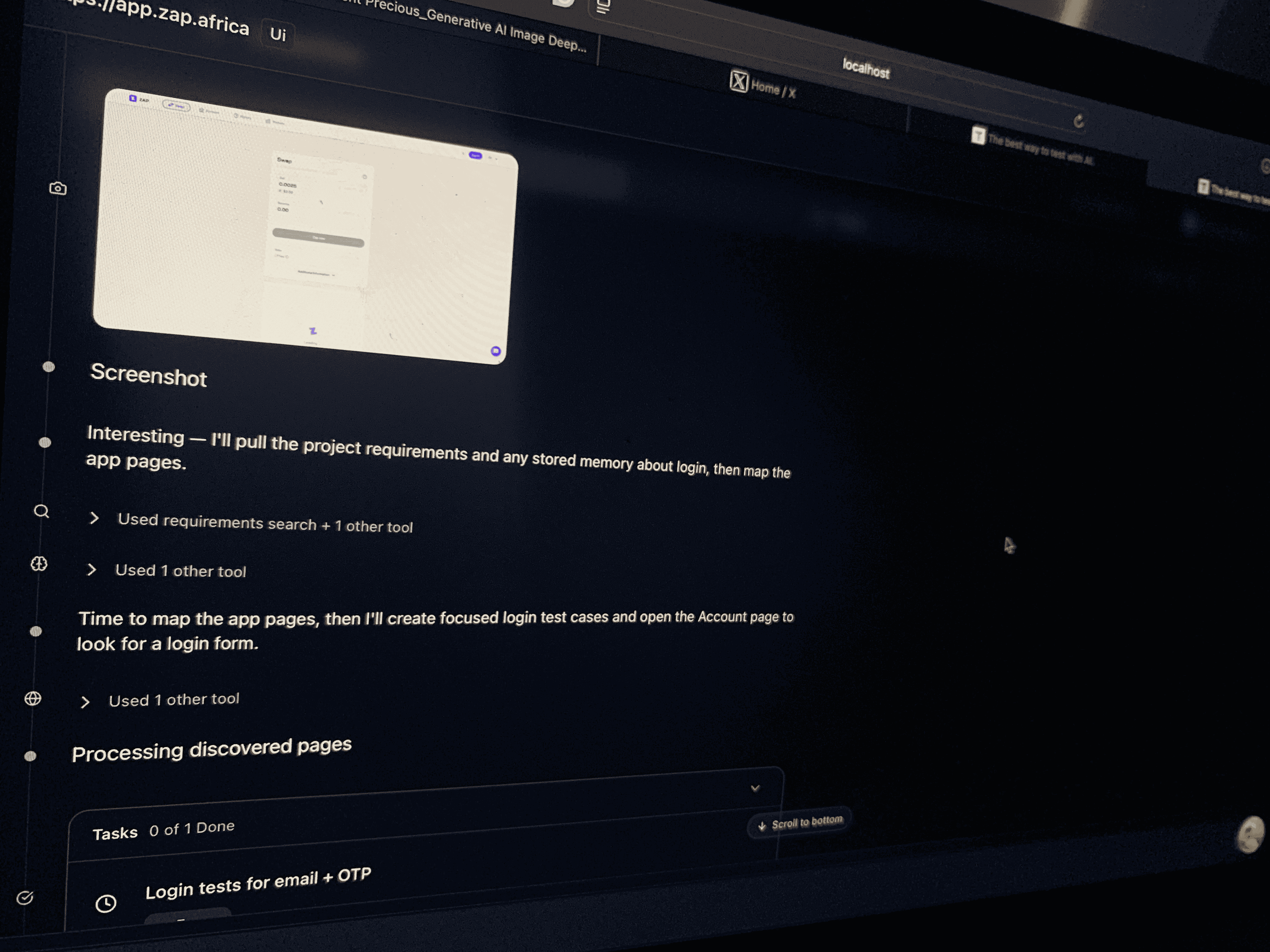
Four steps to your first check
01
Set up your project
UI and backend URLs
02
Define what to check
Plain English, any flow
03
Run the check
Live actions and screenshots
04
Review the results
Run records, shared with your team
Core capabilities
Browser testing
Clicks, form entry, and navigation, automated.
API testing
Endpoints, status codes, payloads, error states.
CLI
Run checks from your terminal or CI/CD.
Reports
Reports and available evidence; recordings for browser tasks.
Common testing scenarios
Quick validation
Verify critical flows without writing scripts.
Sign-up flowPayment checkoutUser settings
Regression testing
Confirm new changes don't break what already works.
Release checksBug fixesDeployments
API contract coverage
Valid inputs and edge cases, checked automatically.
AuthenticationPayload validationError responses
End-to-end journeys
Browser and API checks combined into one flow.
Multi-step formsData syncUser journeys
Testing tips
Be specific— Include URLs and explicit success criteria.
Add requirements files— Give the agent context with docs or API specs.
Review task records— Screenshots, recordings, and logs show what happened.
Share with your team— Faster triage when everyone sees the same evidence.
Free account•No credit card required